빌드할 때
gulp
배포할 때
npx gulp build:dist
하고 나서 푸시 해라.
- nvm 써서 node 14버전 써야 잘 빌드되는데, 이 때 윈도우라면 scoop을 써서 install해야 오류 없이 nvm 잘 쓸 수 있다.
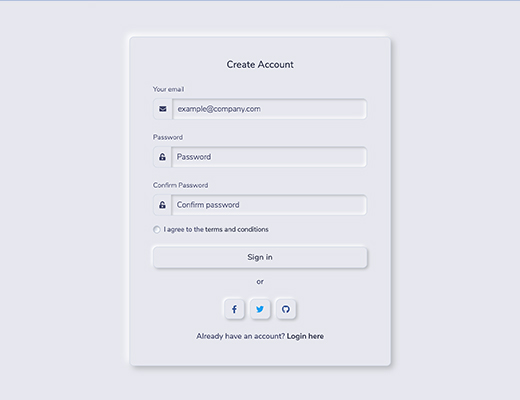
All components are perfectly in compliance with the neumorphism design trend making use of the specific shadow and coloring attributes. Neumorphism UI also comes with the shadow inset style add-on.
Check out all components here.
Neumorphism UI comes with 13 example pages including an about, pricing, contact, log in and register pages. You can use these example pages to quickly set up a working website in no time.
Each component, plugin and the general workflow is well documented. Check out the online documentation for Neumorphism UI.
This product is built using the following widely used technologies:
- Most popular CSS Framework Bootstrap
- Productive workflow tool Gulp
- Awesome CSS preprocessor Sass
- Demo
- Quick Start
- Documentation
- File Structure
- Browser Support
- Resources
- Reporting Issues
- Technical Support or Questions
- Licensing
- Useful Links
| Components | About | Contact |
|---|---|---|
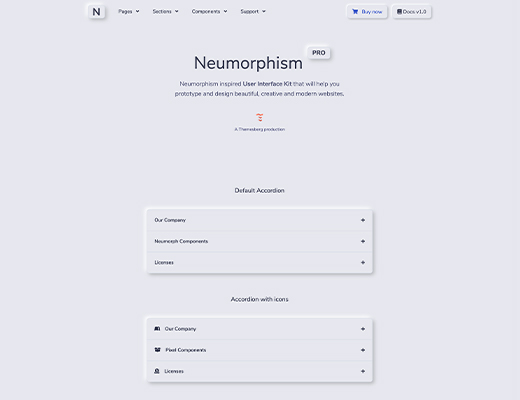 |
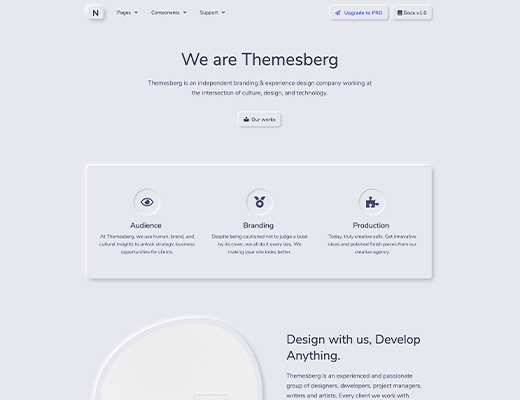 |
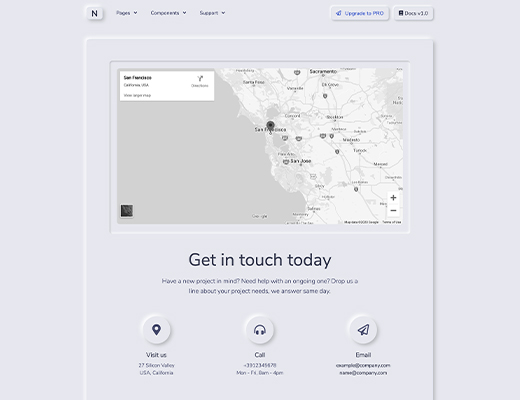 |
| Login | Register | Documentation |
|---|---|---|
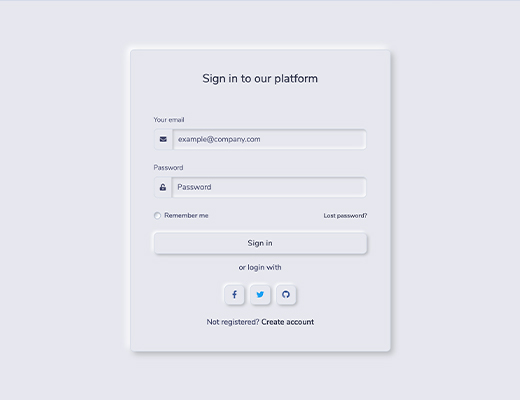 |
 |
 |
- Download from Themesberg
- Download the project's zip
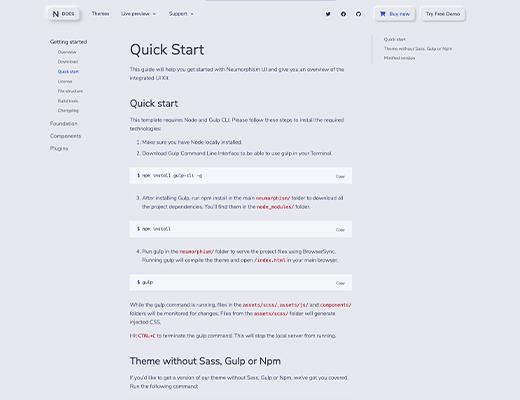
- Make sure you have Node locally installed.
- Download Gulp Command Line Interface to be able to use gulp in your Terminal.
npm install gulp-cli -g
- After installing Gulp, run npm install in the main
neumorphism/folder to download all the project dependencies. You'll find them in thenode_modules/folder.
npm install
- Run gulp in the
neumorphism/folder to serve the project files using BrowserSync. Running gulp will compile the theme and open/index.htmlin your main browser.
gulp
While the gulp command is running, files in the assets/scss/, assets/js/ and components/ folders will be monitored for changes. Files from the assets/scss/ folder will generate injected CSS.
Hit CTRL+C to terminate the gulp command. This will stop the local server from running.
If you'd like to get a version of our theme without Sass, Gulp or Npm, we've got you covered. Run the following command:
gulp build:dev
This will generate a folder html&css which will have unminified CSS, Html and Javascript.
If you'd like to compile the code and get a minified version of the HTML and CSS just run the following Gulp command:
gulp build:dist
This will generate a folder dist which will have minified CSS, Html and Javascript.
The documentation for Neumorphism UI is hosted on our website.