en deploy astrbot compshare
Compshare is UCloud's GPU compute rental and LLM API platform, offering compute resources for AI, deep learning, and scientific workloads.
AstrBot provides an Ollama + AstrBot one-click self-deployment image on Compshare, and also supports Compshare model APIs.
Default image spec: RTX 3090 24GB + Intel 16-core + 64GB RAM + 200GB system disk. Billing is pay-as-you-go, so please monitor your balance.
- Register a Compshare account via this link.
- Open the AstrBot image page and create an instance.
- After deployment, open
JupyterLabfrom the console. - In JupyterLab, create a new terminal and run:
cd
./astrbot_booter.sh
If startup succeeds, you should see output similar to:
(py312) root@f8396035c96d:/workspace# cd
./astrbot_booter.sh
Starting AstrBot...
Starting ollama...
Both services started in the background.
After startup, open http://<instance-public-ip>:6185 in your browser to access the AstrBot dashboard.
You can find the public IP in Console -> Basic Network (Public).
It may take around 30 seconds before the page becomes reachable.
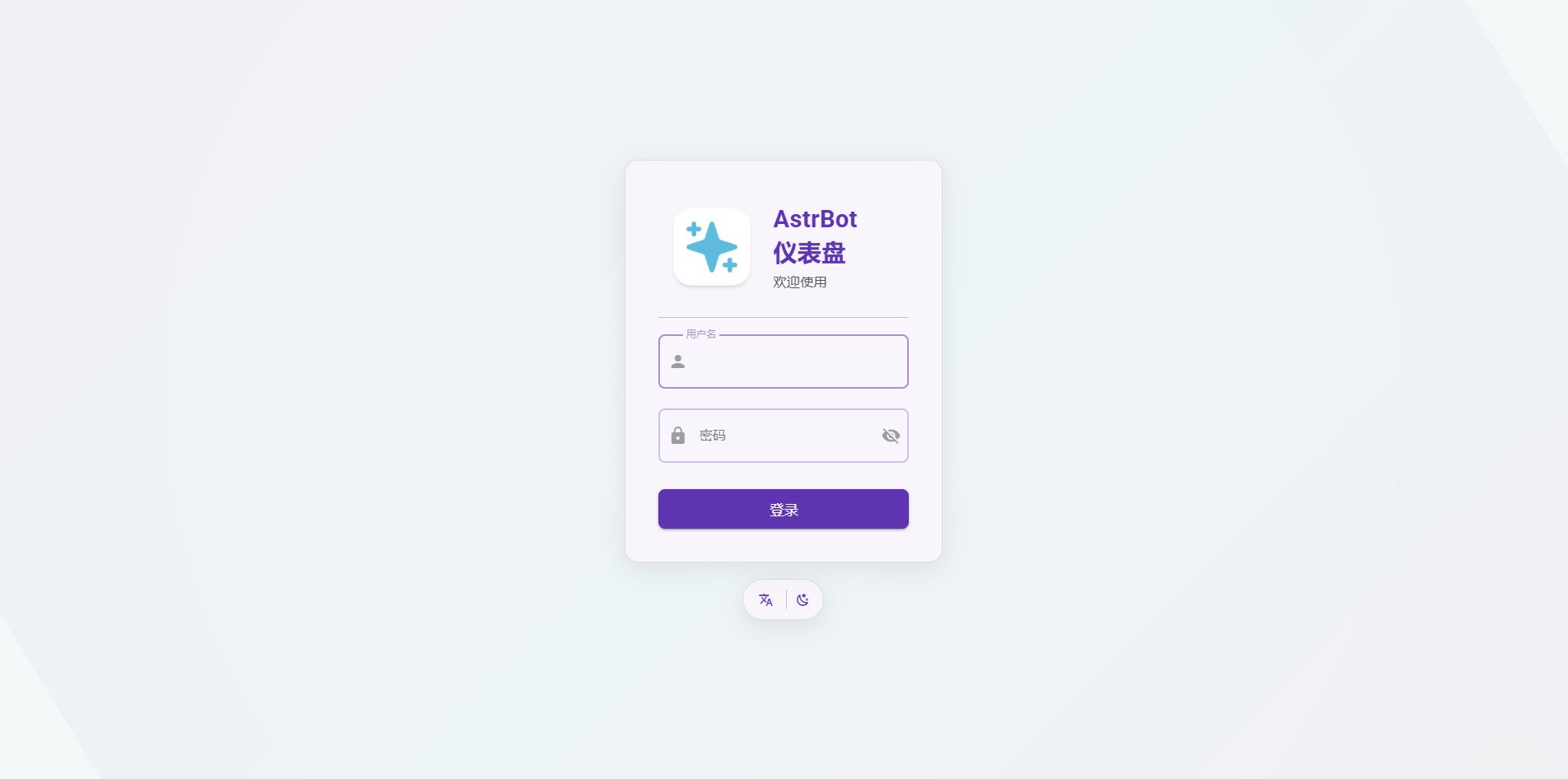
Login with username astrbot and password astrbot.
After logging in, you can reset your password and continue setup.
The instance imports Ollama-DeepSeek-R1-32B by default.
The image includes Ollama. You can pull any model and host it locally on the instance.
- Choose a model from Ollama Search.
- Connect to the instance terminal via SSH (from Compshare Console -> Instance List -> Console Command and Password).
- Run
ollama pull <model-name>and wait for completion. - In AstrBot Dashboard -> Providers, edit
ollama_deepseek-r1, update the model name, and save.
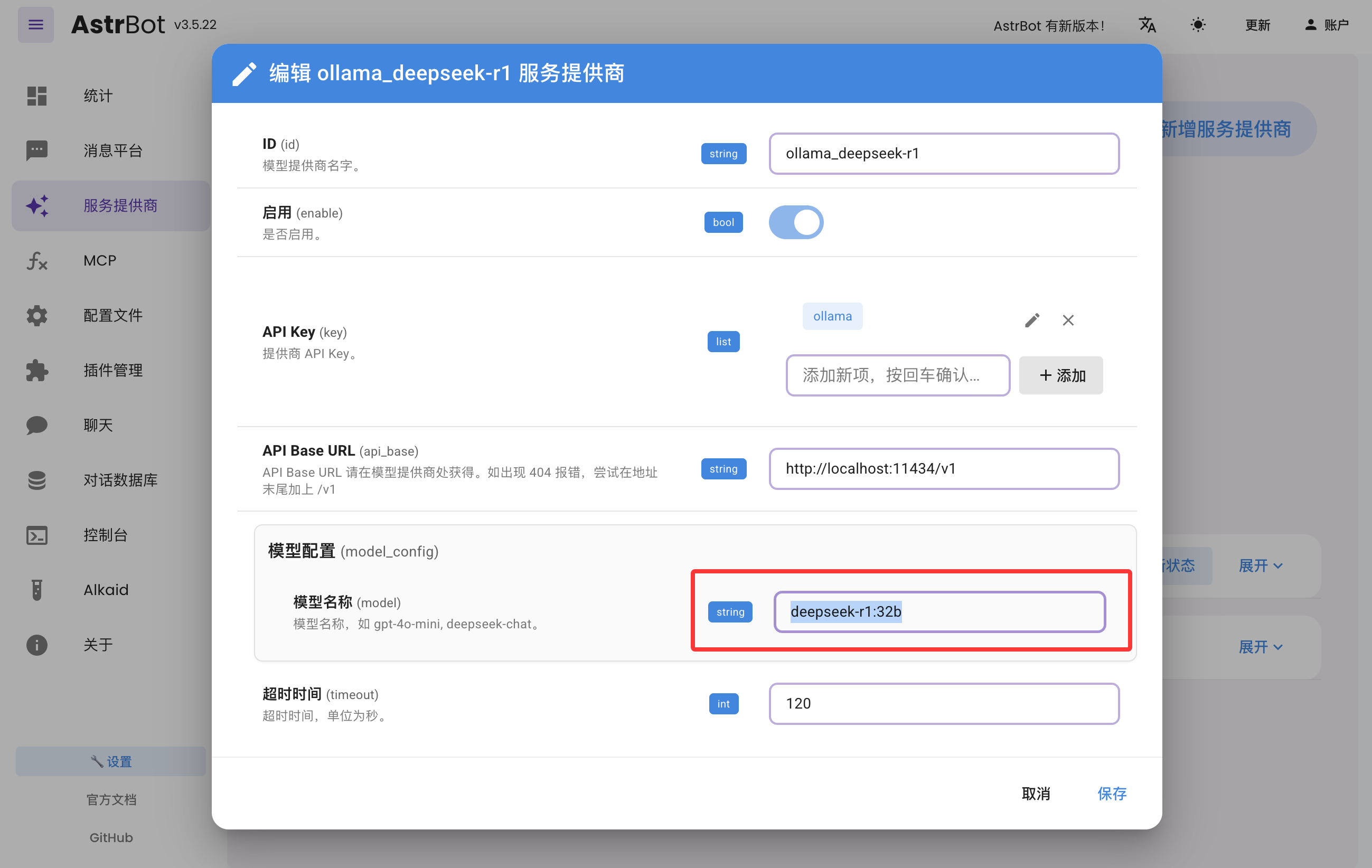
AstrBot supports direct access to model APIs provided by Compshare.
- Find the model you want at Compshare Model Center.
- In AstrBot Dashboard -> Providers, click
+ Add Provider, then choose Compshare. If Compshare is not listed, choose OpenAI-compatible access and set API Base URL tohttps://api.modelverse.cn/v1. Enter the model name in model configuration and save.
In AstrBot Dashboard, click Chat and run /provider to view and switch your active provider.
Then send a normal message to test whether the model works.
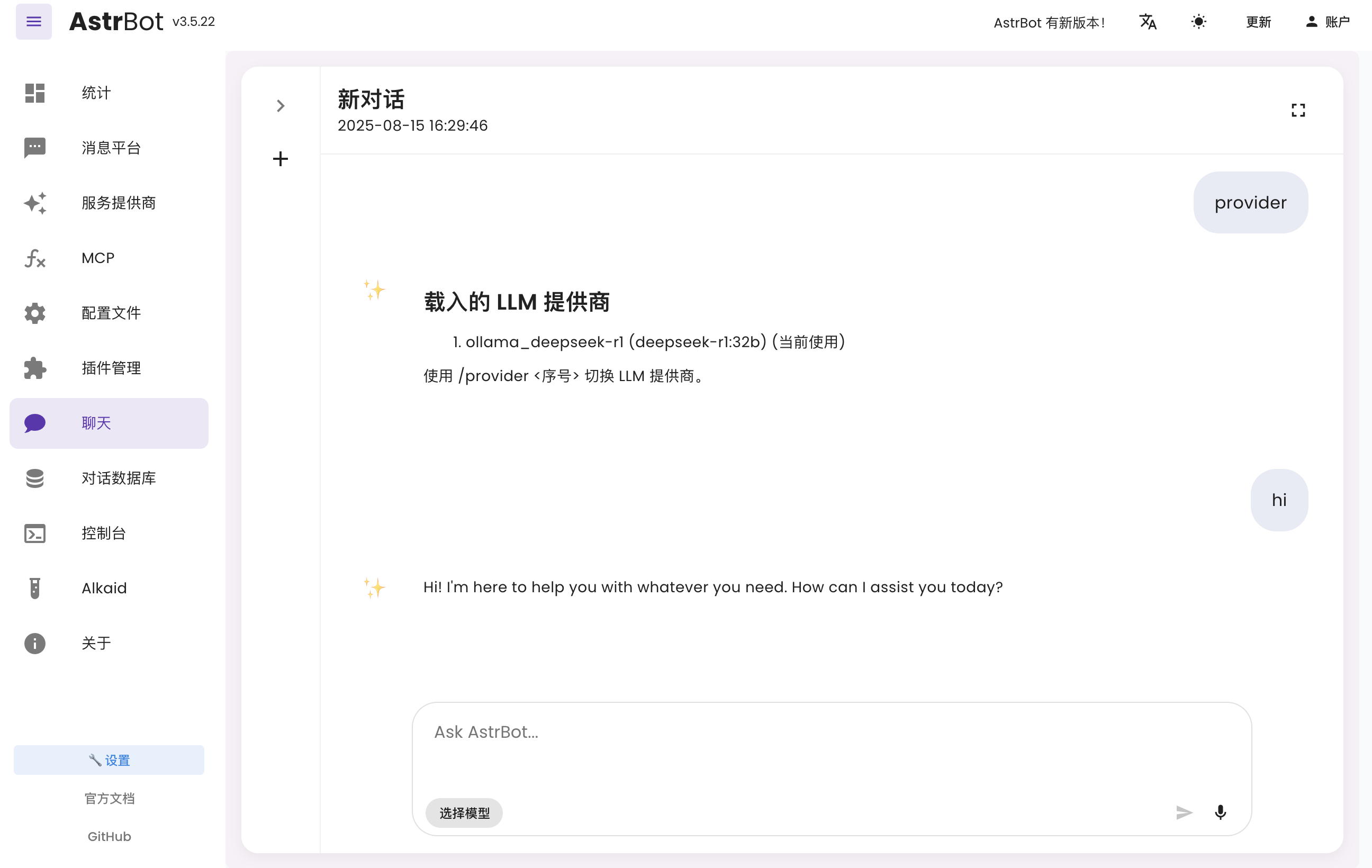
You can follow the latest platform integration guides in the AstrBot Documentation. Open the docs and check the left sidebar under Messaging Platforms.
- Lark: Connect to Lark
- LINE: Connect to LINE
- DingTalk: Connect to DingTalk
- WeCom: Connect to WeCom
- WeChat Official Account: Connect to WeChat Official Account
- QQ Official Bot: Connect to QQ Official API
- KOOK: Connect to KOOK
- Slack: Connect to Slack
- Discord: Connect to Discord
- More methods: AstrBot Documentation
For more capabilities, see the AstrBot Documentation.